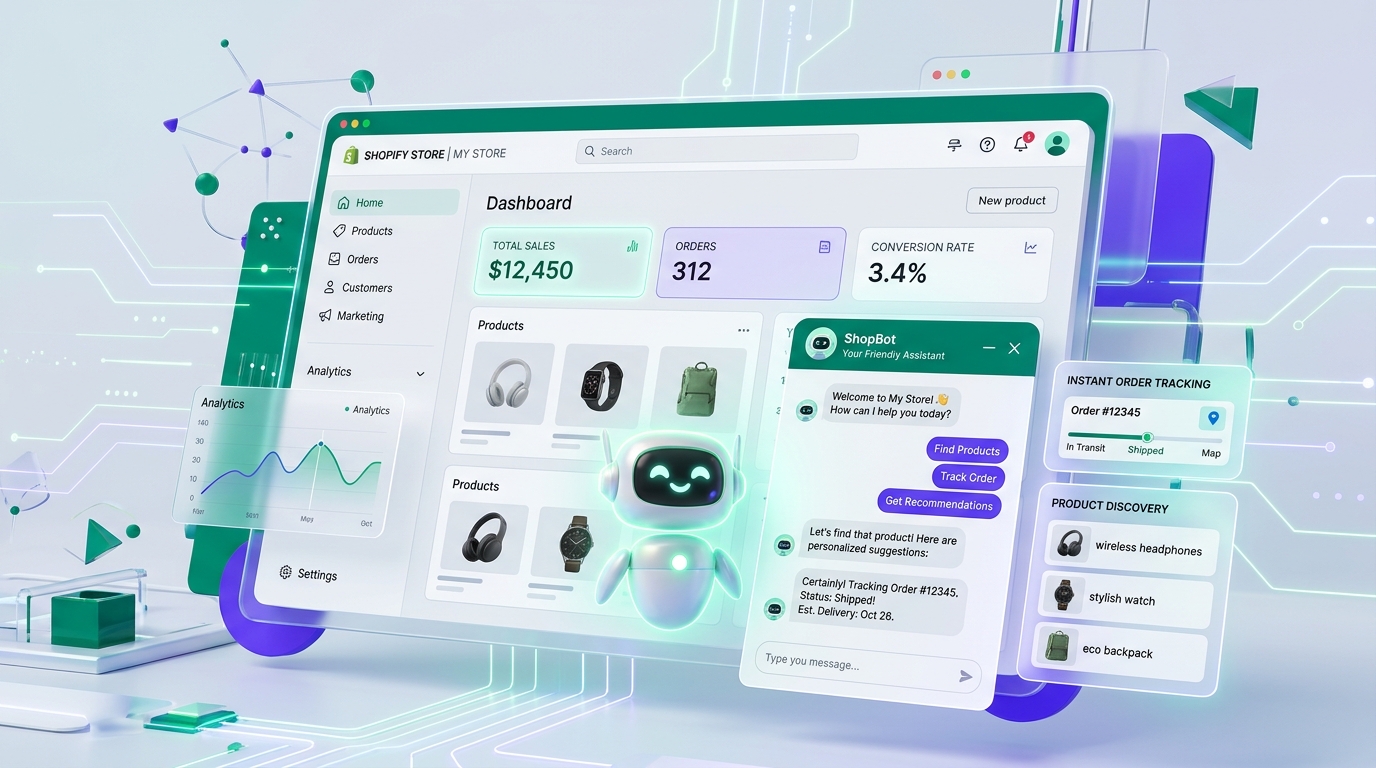
Adding an AI chatbot to your Shopify store no longer requires complex custom theme coding or expensive developer contracts. With modern App Embed architectures, installation takes less than two minutes.
Step-by-Step Installation
- Install from Shopify App Store: Visit the official app page for Vachika AI Chatbot for Shopify.
- Enable App Embed: In your Shopify Theme Customizer, toggle the Vachika App Embed to ON and click Save.
- Automatic Catalog Sync: Vachika automatically indexes your products, collections, pricing, and variants via secure Shopify webhooks.
- Customize Brand Appearance: Choose colors, avatars, and custom welcome greetings to match your store identity.
Why Shopify Merchants Choose Vachika
Unlike basic apps, Vachika provides full-funnel automation: from answering technical questions to live order status tracking and 1-click human agent takeover.