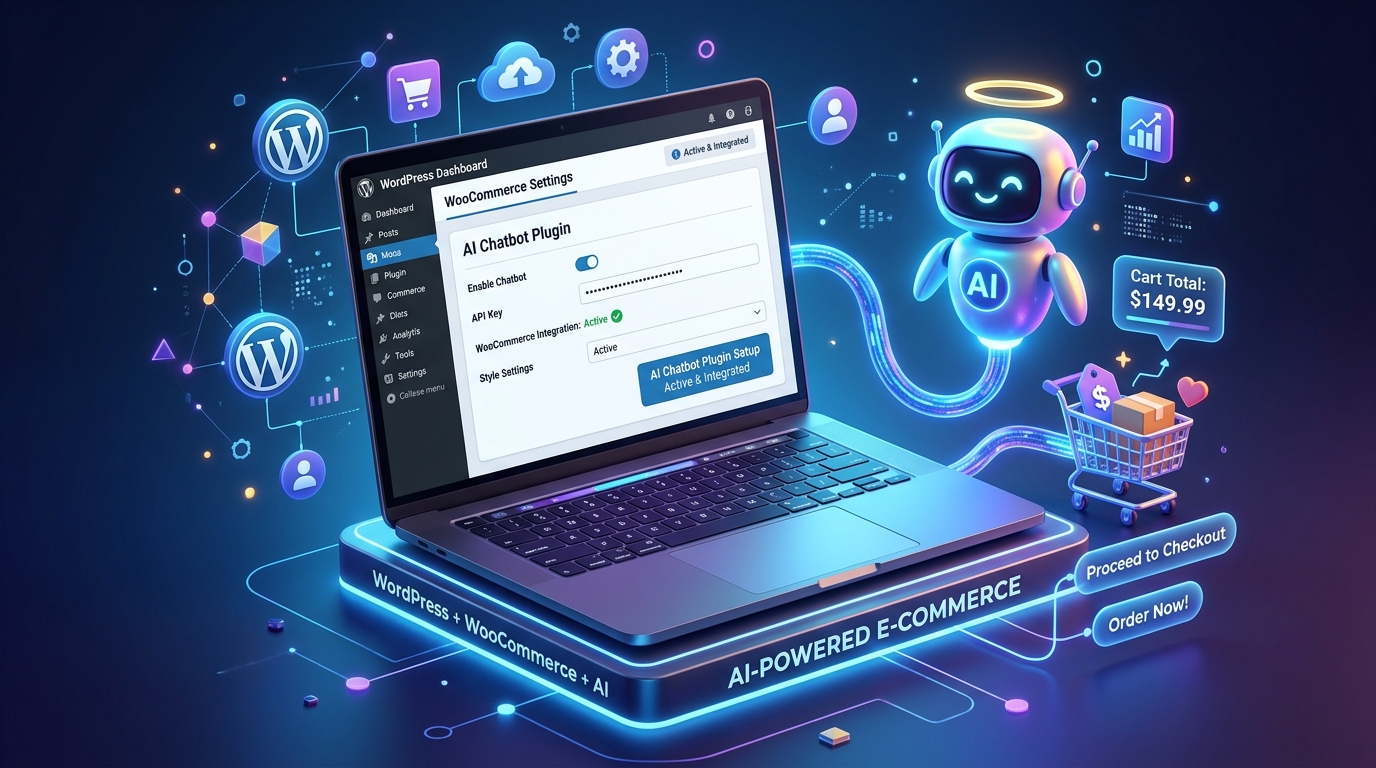
WordPress powers over 40% of all websites globally. Integrating an intelligent, context-aware AI chatbot on your WordPress or WooCommerce store can dramatically increase visitor engagement and sales.
Installing via the WordPress Plugin Directory
- Navigate to Plugins → Add New inside your WordPress Admin panel.
- Search for Vachika and click Install Now.
- Activate the plugin and connect your account with a single click.
For more details on the plugin architecture, visit our WordPress AI Chatbot Integration Page.
Optimized for WooCommerce
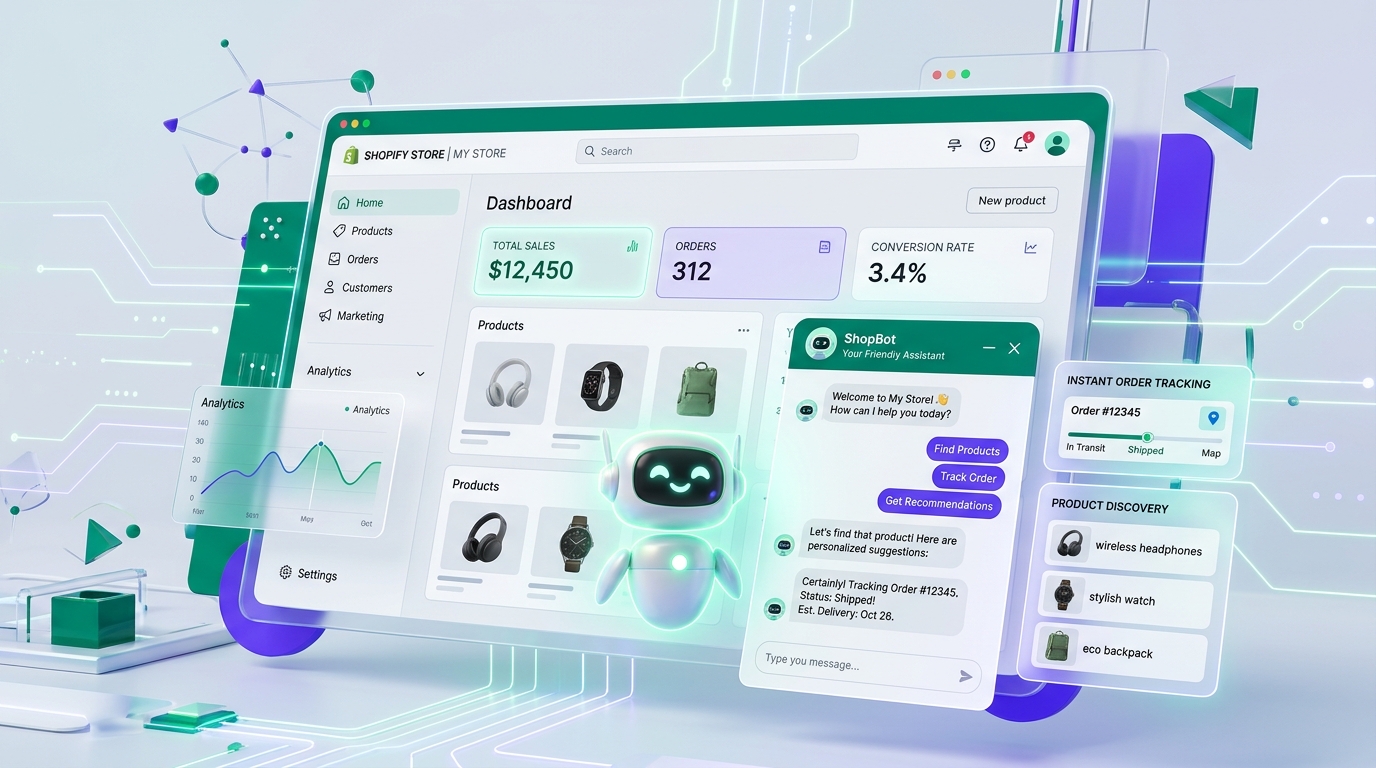
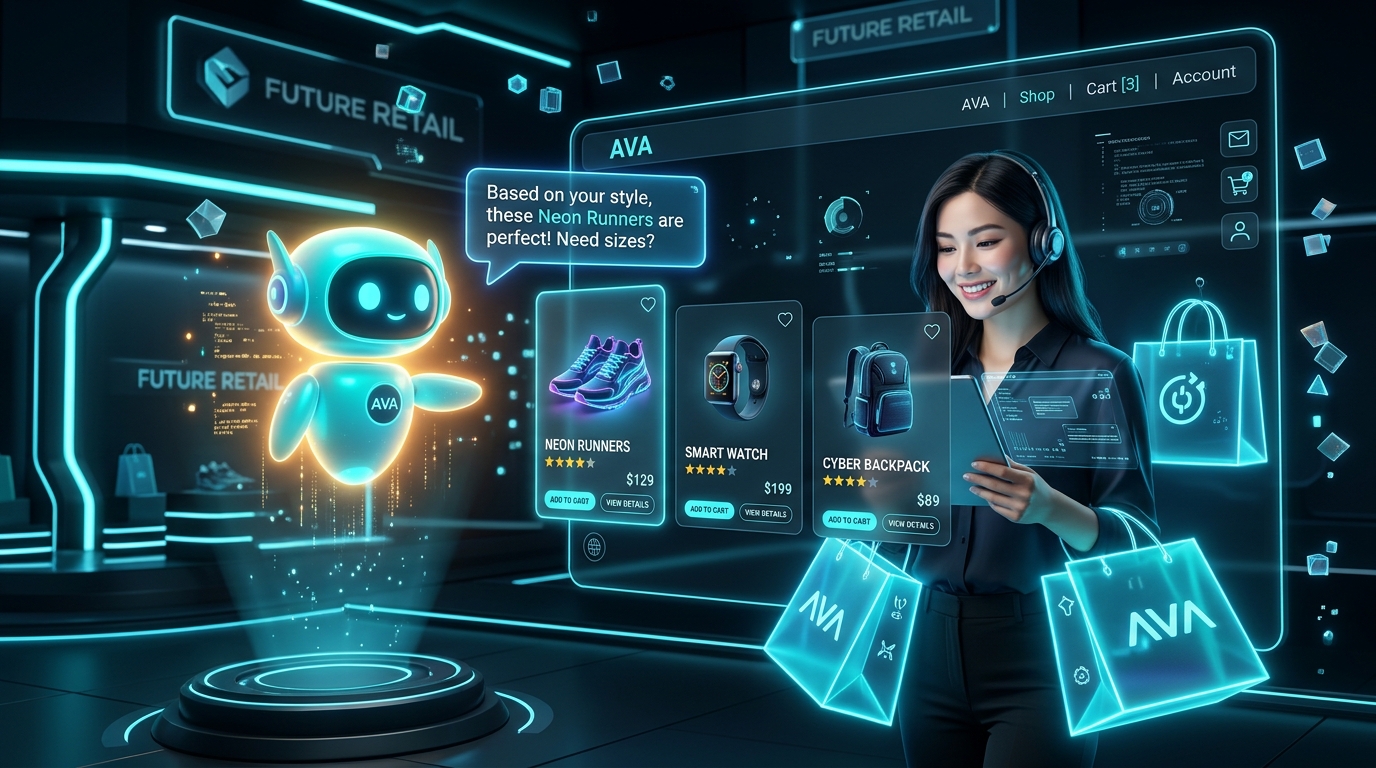
If you run a WooCommerce store, Vachika automatically reads your product listings, categories, and attributes, providing visitors with instant product recommendations and order lookup assistance.